M3 MacBook Air Black Friday 2026: One Configuration Trap
Why the M3 still makes sense, and why the cheapest listing deserves a closer look
A concise M3 MacBook Air Black Friday 2026 buying guide explaining when the discounted laptop makes sense, why memory configuration matters, and what to check before buying old stock.
Quick Summary
What to know first
The M3 MacBook Air can still be a smart Black Friday buy in 2026, but the discount only matters if the memory, storage, warranty, and final price make sense against newer models.
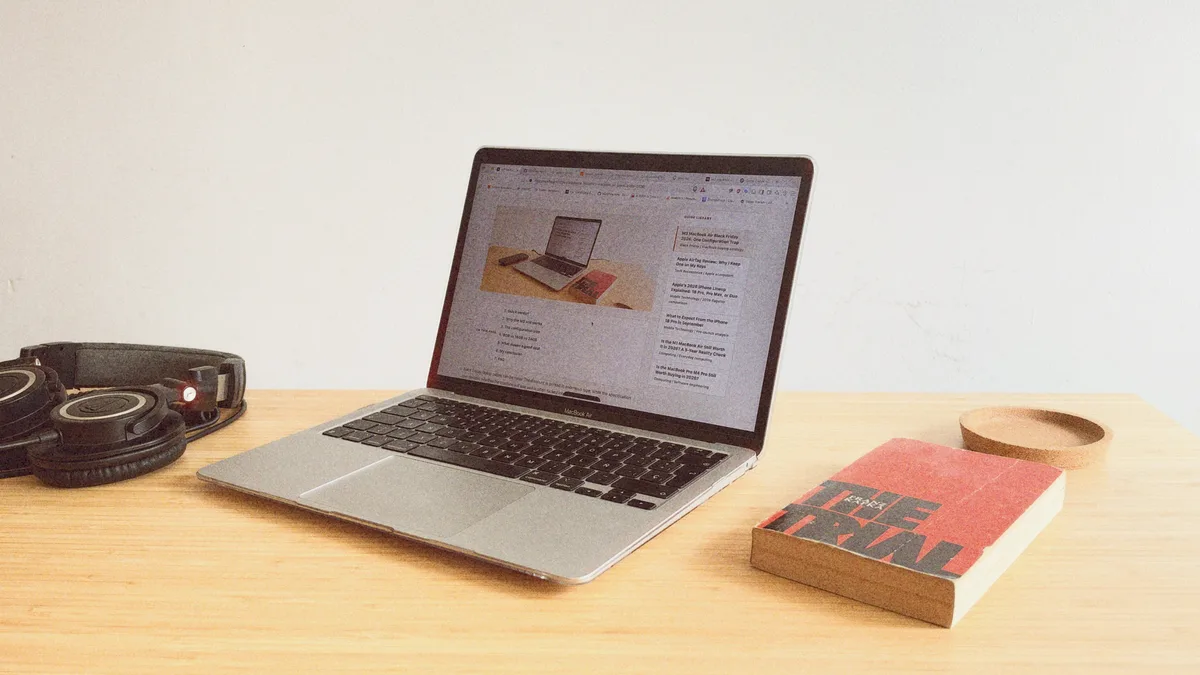
Black Friday laptop pages can be noisy. The discount is printed in enormous type, while the specification that decides whether the machine will age well is often tucked into a much smaller line.
That is why the M3 MacBook Air interests me in 2026. It is no longer Apple’s newest Air, but the hardware is still capable, quiet, light, and efficient. At the right price, it can be a lovely machine. The danger is assuming that every discounted M3 configuration is equally good.
This is not a hands-on M3 review. It is a buying analysis based on Apple’s published specifications, the reality of fixed unified memory, and what living with my own 8GB M1 MacBook Air has taught me about where a small memory pool begins to feel tight.
Quick Verdict
The 16GB M3 MacBook Air is the configuration I would target during Black Friday 2026. It gives the chip enough room for everyday multitasking, coding, longer ownership, and modest creative work without turning the purchase into an unnecessarily expensive specification exercise.
The 8GB version is not useless. For streaming, browsing, documents, and very light projects, it can still be pleasant. But if the plan includes IDEs, many browser tabs, photo work, local AI tools, or keeping the laptop for years, the low sale price can hide a limitation you cannot fix later.
Why the M3 Air Still Works
Apple introduced the MacBook Air with M3 in 2024. The chip uses a 3-nanometre process and includes Dynamic Caching, hardware-accelerated ray tracing, a 16-core Neural Engine, and dedicated media engines. Those features have not stopped being useful simply because newer chips now exist.
The M3 model also supports a second external display when the laptop lid is closed. That is a real improvement over the earlier M1 and M2 Air models for a compact desk setup, although it is important to understand the closed-lid requirement before buying.
The appeal is still simple: silent fanless operation, strong everyday performance, excellent battery efficiency, and a chassis that is easy to carry. The M3 Air does not suddenly become slow in 2026. It becomes a value question.
The Configuration Trap
My own M1 Air has 8GB of unified memory, and I still enjoy it. For films, music, writing, and light personal coding, it remains a good companion. But I can also feel the boundary when an IDE, communication apps, and too many browser tabs all want memory at the same time.
The M3 chip is much faster, but a faster processor cannot manufacture additional memory. When the available pool fills, macOS relies more heavily on compressed memory and SSD swap. The machine keeps working, but heavier multitasking can become less fluid.
That does not make every 8GB deal bad. It means the buyer needs to be honest about the workload. The problem is buying the cheapest configuration for demanding work simply because the discount looks impressive.
8GB vs 16GB vs 24GB
| Memory | Best Fit | My Buying View |
|---|---|---|
| 8GB | Streaming, browsing, documents, and light personal projects | Only compelling when the price is genuinely low and the workload will remain simple |
| 16GBSweet spot | Coding, heavier multitasking, photo work, and longer ownership | The configuration I would look for first during Black Friday |
| 24GB | Larger creative projects, small local AI models, and memory-heavy workflows | Useful, but compare the final price carefully with a newer MacBook Air |
- Best Fit
- Streaming, browsing, documents, and light personal projects
- My Buying View
- Only compelling when the price is genuinely low and the workload will remain simple
- Best Fit
- Coding, heavier multitasking, photo work, and longer ownership
- My Buying View
- The configuration I would look for first during Black Friday
- Best Fit
- Larger creative projects, small local AI models, and memory-heavy workflows
- My Buying View
- Useful, but compare the final price carefully with a newer MacBook Air
Sixteen gigabytes is not magical, but it gives the M3 more breathing room. It is the point where the Air feels less like a carefully managed lightweight laptop and more like a machine you can simply use without watching every open application.
What Makes It a Good Black Friday Deal?
Do not let the advertised percentage make the decision. I would check five things:
- Unified memory: Confirm 8GB, 16GB, or 24GB. Do not rely on the word “base.”
- Storage: A 256GB SSD can fill quickly once photos, development tools, or local media enter the picture.
- Final price: Compare it with a newer MacBook Air carrying the same memory and storage.
- Condition: Verify whether the listing is new, refurbished, renewed, or open-box.
- Warranty and keyboard region: A low price is less attractive when either one is wrong for you.
My simple rule is this: buy the configuration, not the discount badge. If a 16GB M3 Air is clearly cheaper than a comparable newer model, it can be excellent value. If the prices are close, I would take the newer machine and its longer useful runway.
My Conclusion
Would I buy an M3 MacBook Air during Black Friday 2026? Yes, in the right configuration and at the right price. It remains the kind of laptop that can quietly disappear into daily life, which is one of the nicest things a computer can do.
I would simply resist the biggest discount until I had read the small specification line beneath it. The M3 is still a very good chip. The smarter purchase is the one that gives it enough memory to remain a good companion after the Black Friday excitement has passed.
Official Technical References
FAQ
Common questions
Is the M3 MacBook Air still worth buying on Black Friday 2026?
Yes, when a 16GB configuration is meaningfully cheaper than a newer MacBook Air with comparable storage and warranty coverage. The model remains capable, but the discount must compensate for buying older hardware.
Is 8GB enough in an M3 MacBook Air?
It remains usable for browsing, streaming, documents, and light projects. It is much less comfortable for software development, large creative workloads, local AI tools, or heavy multitasking, especially because the memory cannot be upgraded later.
Can MacBook Air unified memory be upgraded after purchase?
No. Unified memory is integrated into the Apple silicon package, so the amount selected at purchase remains fixed for the life of the machine.