Is the MacBook Pro M4 Pro Still Worth Buying in 2026?
A Software Engineer's Perspective
A practical MacBook Pro M4 Pro review from daily software engineering use, covering IntelliJ IDEA, Docker, external monitors, ports, heat, macOS, Apple ecosystem integration, and whether it is still worth buying in 2026.
Quick Summary
What to know first
The MacBook Pro M4 Pro is still worth buying in 2026 if you want a quiet, premium software engineering machine with strong sustained performance, useful ports, excellent display quality, and low daily friction. It is no longer the newest Pro-tier Apple silicon option, so price and configuration matter more than launch-year status.
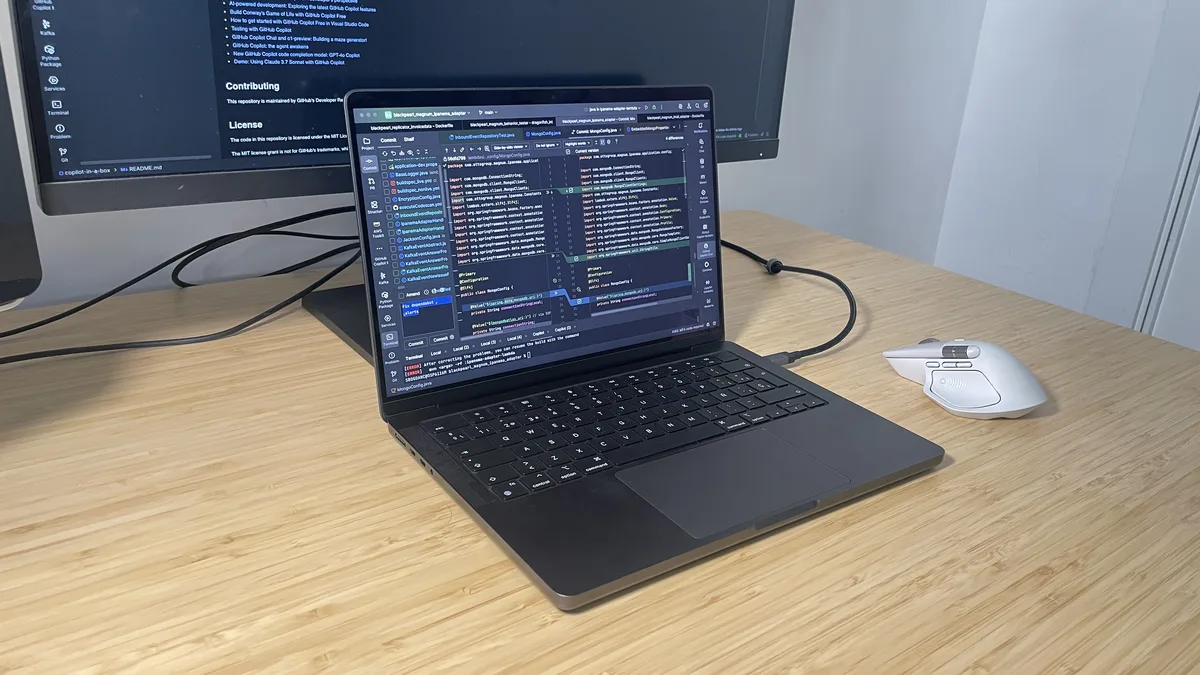
Almost two years ago, I switched from Windows to macOS. Looking back, it was one of the better technology decisions I have made for my daily work.
The machine that now anchors my desk is the MacBook Pro M4 Pro. I still use Windows laptops, and I do not think macOS is perfect, but for software engineering work, this is the machine I reach for first.
This is not a laboratory benchmark review. It is a practical account from somebody who spends most of the day writing code, compiling projects, running tests, reading documentation, and moving between a lot of applications.
Quick Verdict
For me, the MacBook Pro M4 Pro is still worth buying in 2026 if the price and configuration make sense. It remains a compact premium laptop with strong sustained performance, a high-end display, useful ports, excellent build quality, quiet daily behavior, and tight integration with the Apple ecosystem.
The important 2026 nuance is simple: the M4 Pro is no longer a fresh launch-year purchase. It is a previous-generation Pro-tier Apple silicon machine. That does not make it weak. It means the buying decision should be based on price, memory, storage, battery health, and warranty state, then compared with newer M-series options at the same budget.
For software engineering, I would treat 24GB unified memory as the practical baseline and move to 48GB if Docker, large IDE projects, local databases, heavy browser use, or long ownership are part of the plan.
What Changed in 2026
The timeline matters.
Apple introduced the 14-inch MacBook Pro with M4 Pro in 2024. In 2026, the question is no longer whether this is the newest MacBook Pro. The better question is whether the configuration in front of you is priced correctly against newer machines and whether it fits the work you actually do.
Apple’s published specification for the 14-inch M4 Pro MacBook Pro lists configurations with a 12-core or 14-core CPU, a 16-core or 20-core GPU, 273GB/s memory bandwidth, a 16-core Neural Engine, 24GB unified memory as the starting point, and three Thunderbolt 5 ports. That is still serious hardware for development work.
The trap is paying too much for it. If an M4 Pro unit is only slightly cheaper than a newer Pro-tier MacBook with similar memory and storage, the newer machine may be the more rational buy. But if the M4 Pro is discounted, refurbished, or already sitting on your desk, it remains a remarkably capable work machine.
My Daily Workflow
My typical working environment includes:
- IntelliJ IDEA
- Docker
- Terminal windows
- GitHub and Git workflows
- Google Chrome with many documentation tabs
- Slack
- Music streaming applications
- One or more external monitors
My own MacBook Pro M4 Pro configuration has 48GB of unified memory. That headroom matters when Docker services, IntelliJ projects, browser research, and local tools are all active at the same time.
Most of the time, the MacBook remains connected to a docking station, where it serves as the center of my entire setup.
That is the real test for me. A laptop can look impressive in a benchmark chart and still be annoying to use every day. The MacBook Pro M4 Pro feels different because the entire system stays coherent: sleep works, wake works, external display behavior is predictable, the trackpad is excellent, and app switching rarely feels like friction.
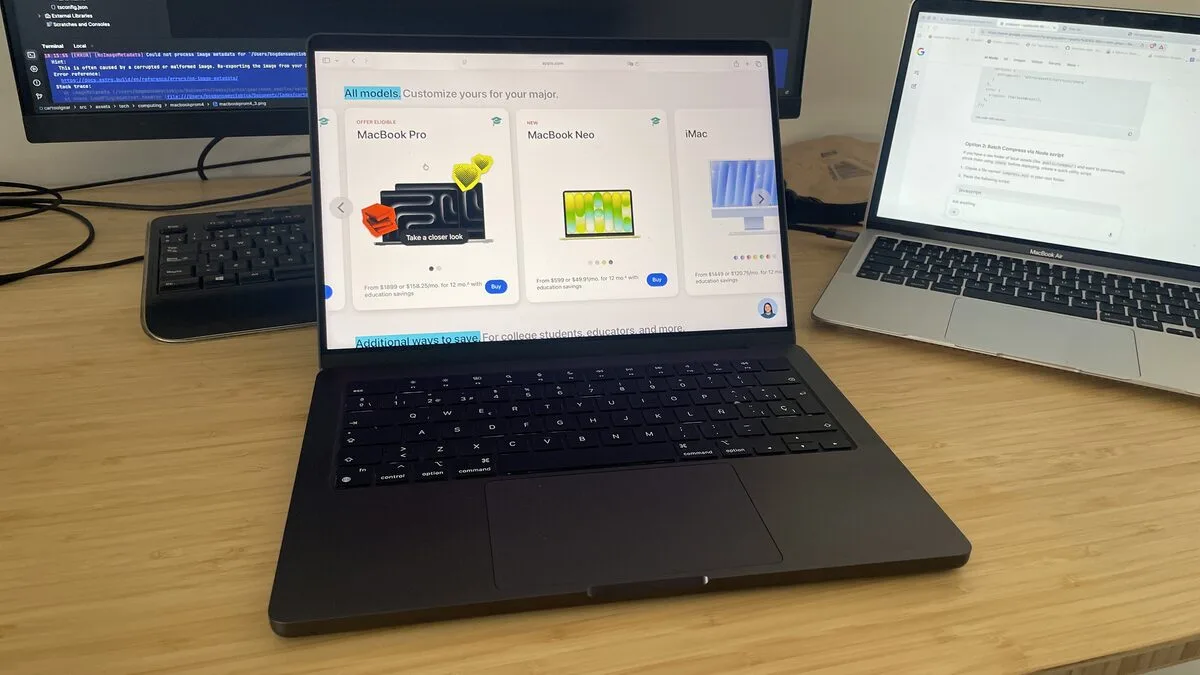
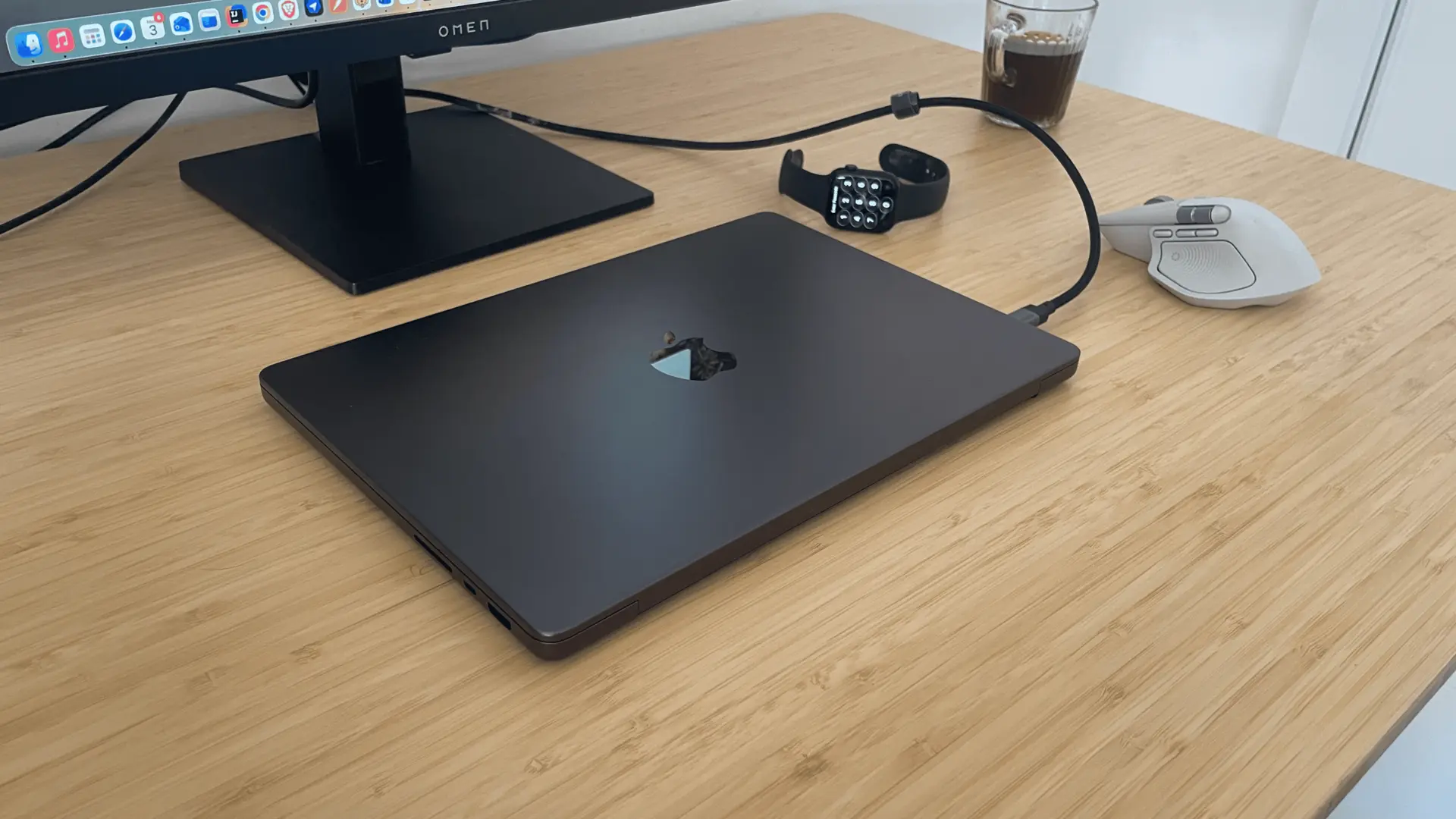
It Simply Feels Different
Benchmark scores are useful, but they do not describe the whole machine.
The biggest difference I noticed after moving to macOS was not one number on a graph. It was the overall feeling of using the computer, day after day.
Applications launch quickly. Sleep mode behaves as expected. Switching between applications feels effortless. Opening and indexing large projects in IntelliJ IDEA feels responsive. Running tests does not make the whole system feel fragile. I spend less time waiting and less time troubleshooting strange laptop behavior.
That is probably the greatest compliment I can give any work computer: it lets me stop thinking about the machine and stay focused on the problem in front of me.
Performance
As a software engineer, performance matters, but not only peak performance.
What matters to me is responsiveness under load: opening projects, indexing code, moving between IDEs and terminals, running tests, rebuilding services, searching documentation, keeping a browser open, and staying productive while Docker is active in the background.
Compared with many Windows laptops I have used over the years, the M4 Pro MacBook Pro feels smoother during mixed workloads. Compilation and test cycles feel shorter, but more importantly, the system remains usable while those tasks are running. This is not a controlled benchmark claim, and workloads differ, but after nearly two years of daily use the difference is hard for me to ignore.
| Decision Area | Daily Reality | Buying Advice |
|---|---|---|
| Code workflow | IntelliJ IDEA, terminals, browser-heavy research, GitHub, and documentation work feel responsive | Strong fit for software engineers who want low-friction daily performance |
| Containers | Docker works well for normal development stacks, but memory pressure can still build quickly | Choose 48GB unified memory for heavier local services, databases, and long ownership |
| External monitors | M4 Pro supports serious desk setups with Thunderbolt 5 and HDMI output | Verify your exact monitor count, resolution, refresh rate, and dock behavior before buying |
| Sustained load | The chassis handles real development work well, but warmth above the keyboard is noticeable under demand | Normal for a compact performance laptop, but not magic thermal immunity |
- Daily Reality
- IntelliJ IDEA, terminals, browser-heavy research, GitHub, and documentation work feel responsive
- Buying Advice
- Strong fit for software engineers who want low-friction daily performance
- Daily Reality
- Docker works well for normal development stacks, but memory pressure can still build quickly
- Buying Advice
- Choose 48GB unified memory for heavier local services, databases, and long ownership
- Daily Reality
- M4 Pro supports serious desk setups with Thunderbolt 5 and HDMI output
- Buying Advice
- Verify your exact monitor count, resolution, refresh rate, and dock behavior before buying
- Daily Reality
- The chassis handles real development work well, but warmth above the keyboard is noticeable under demand
- Buying Advice
- Normal for a compact performance laptop, but not magic thermal immunity
The key distinction is that this is M4 Pro, not base M4. The Pro chip tier matters for heavier development because memory bandwidth, sustained performance, port capability, and external display support are materially different buying factors.
Apple Ecosystem
The best way I can describe the experience is this: the combination of hardware and software simply works.
The processor is capable, but the real advantage is the device synergy around it. My MacBook, iPhone, and Apple Watch behave like parts of one system rather than disconnected devices.
Small features become normal quickly. I might leave my desk to get a coffee and, when I come back, the Apple Watch unlocks the MacBook automatically. Files sync. Calls can be answered from the laptop. Notifications move across devices. AirDrop removes small file-transfer friction.
None of these features is revolutionary alone. Together, they make the machine feel more polished than a laptop judged only by CPU cores and SSD speed.
Touch ID and Everyday Use
Touch ID is another small feature that deserves a mention. In my experience, the fingerprint sensor has been consistently reliable: unlocking the computer, approving passwords, and authorizing purchases all take a second and then disappear from thought.
It is similar to the Apple Watch unlock. “Works like a charm” is an old phrase, but it fits here. The best everyday features are often the ones you stop noticing because they keep working without asking for attention.
Design and Ports
The chassis is still one of Apple’s strongest arguments.
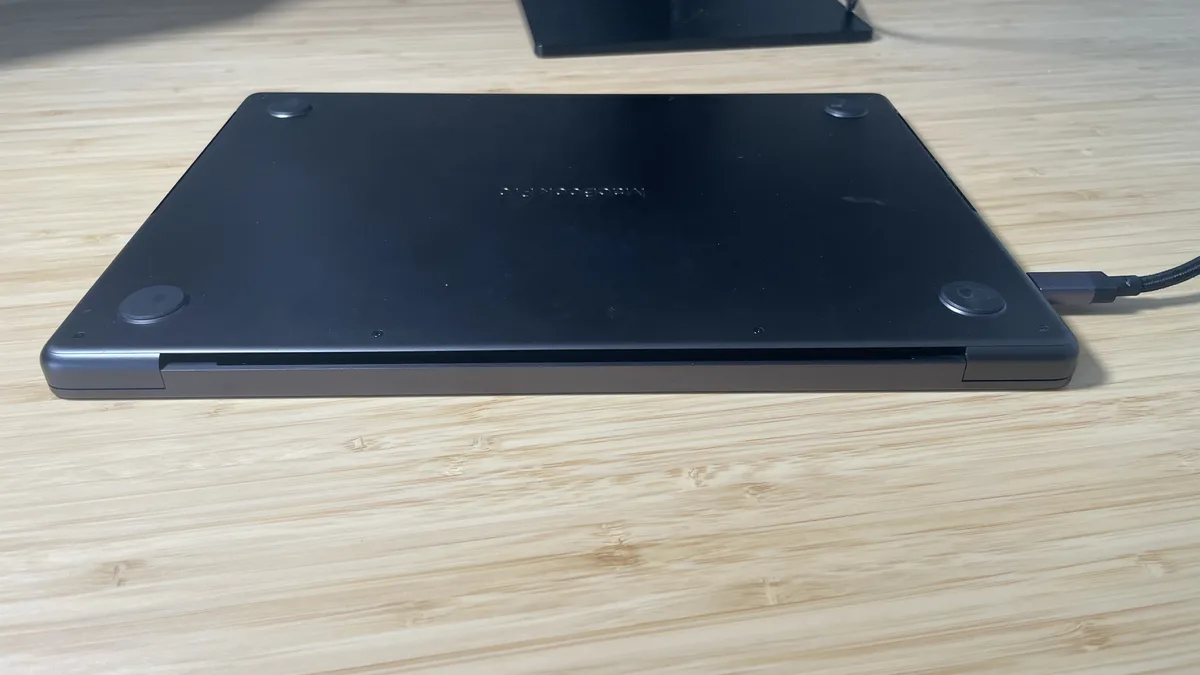
The aluminum body feels rigid, the screen is excellent, the keyboard is comfortable, and the trackpad remains one of the best input devices I have used on any laptop. When you spend eight or ten hours in front of a computer, those physical details matter more than people realise.
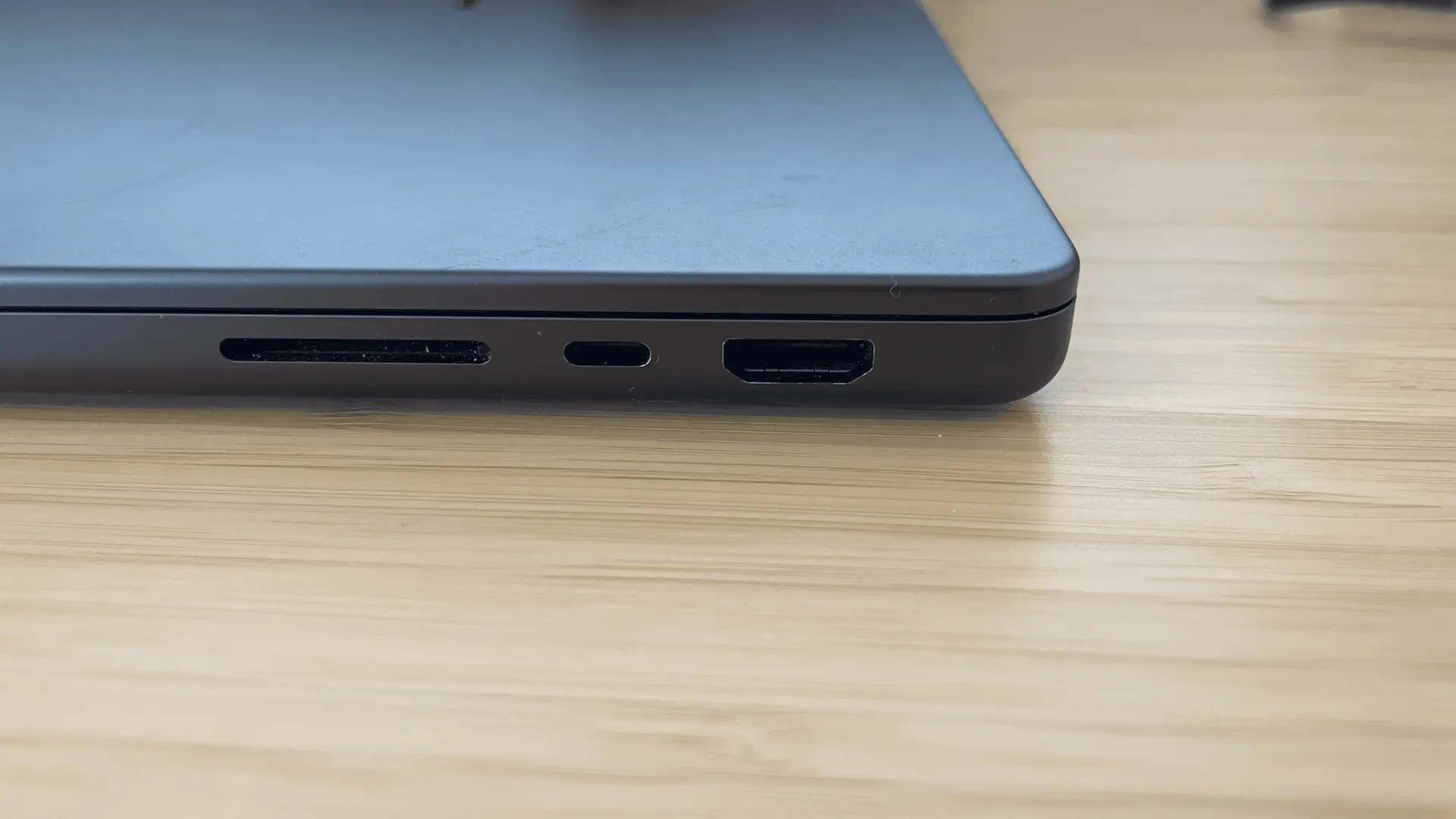
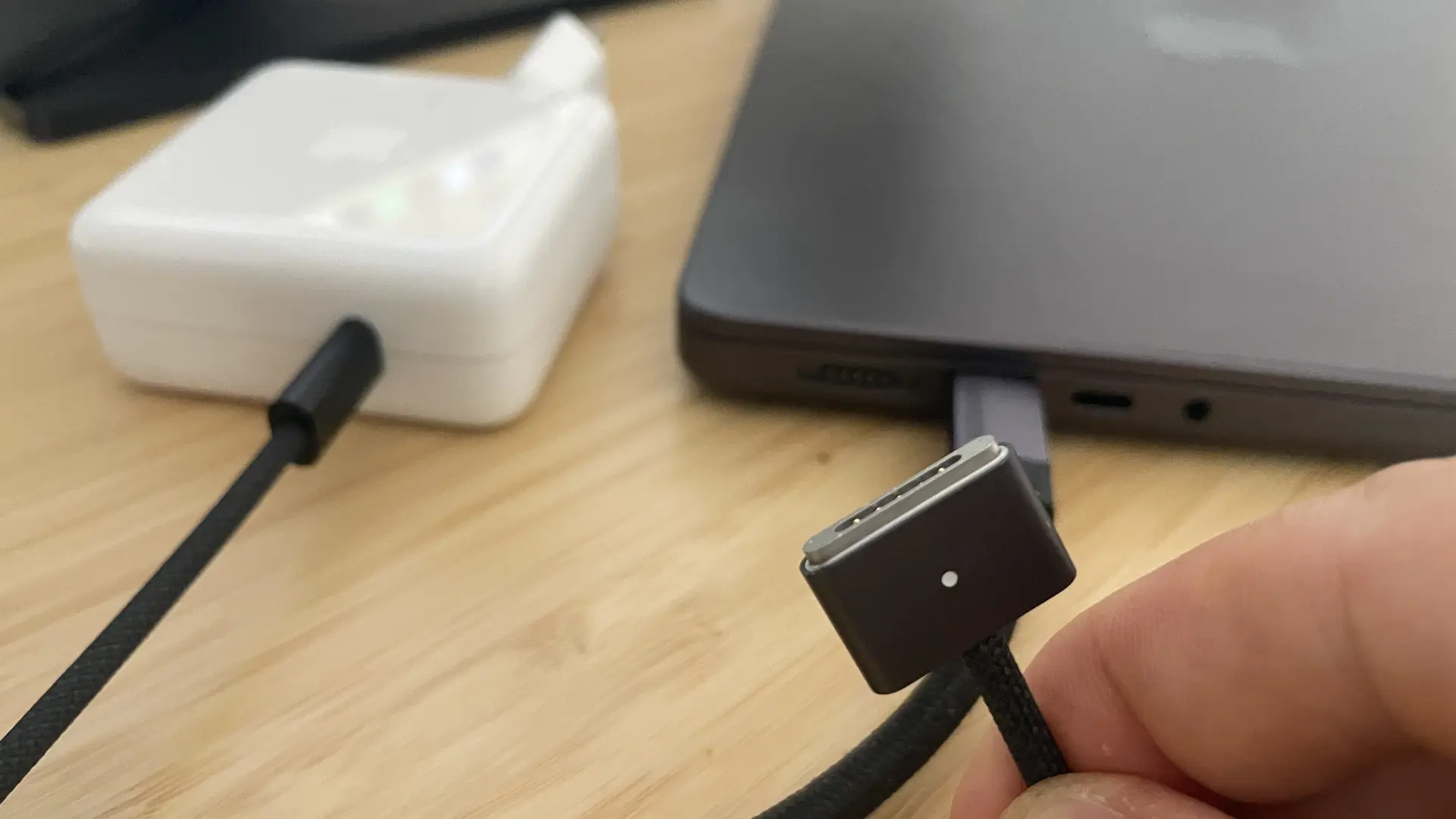
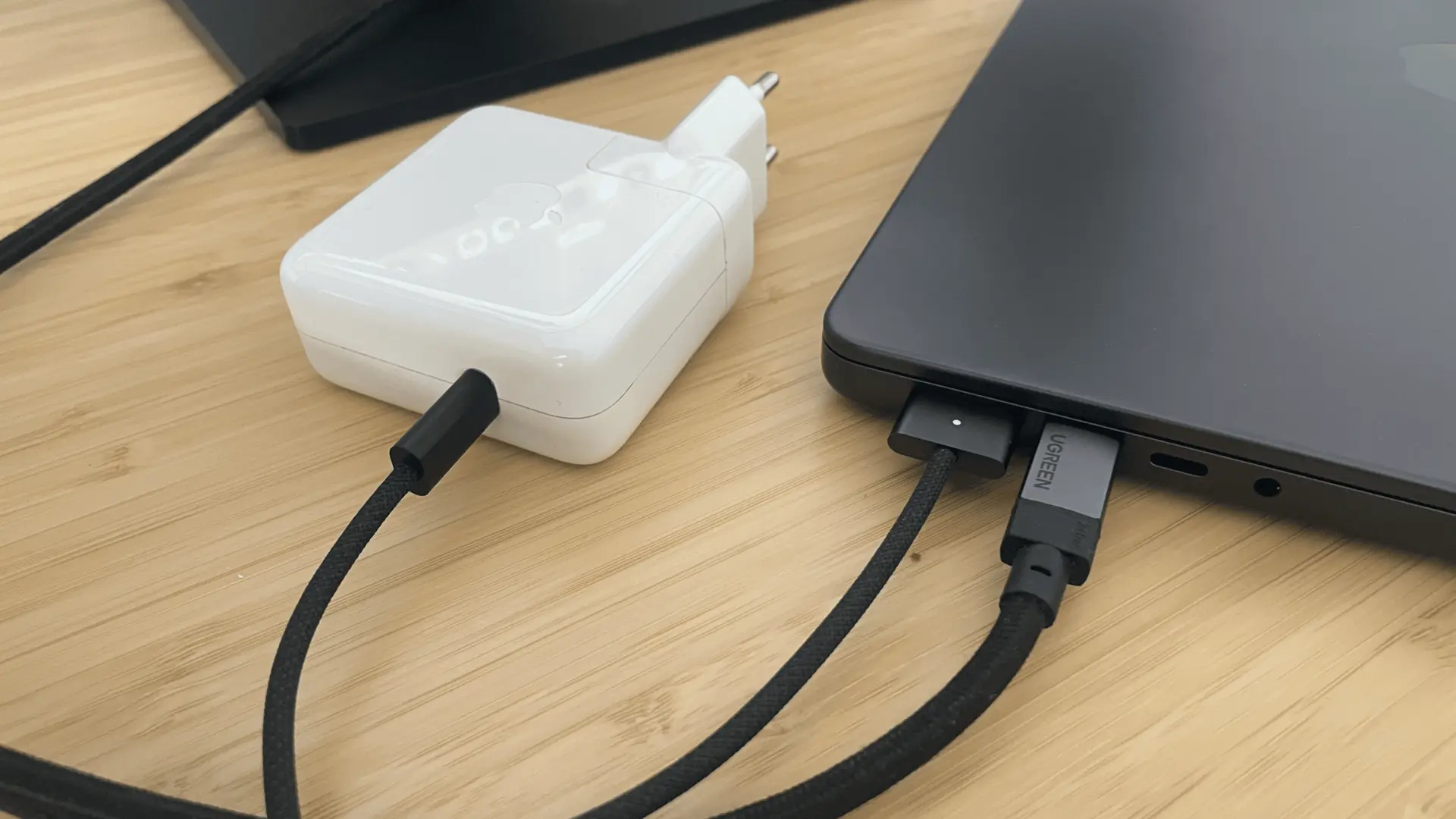
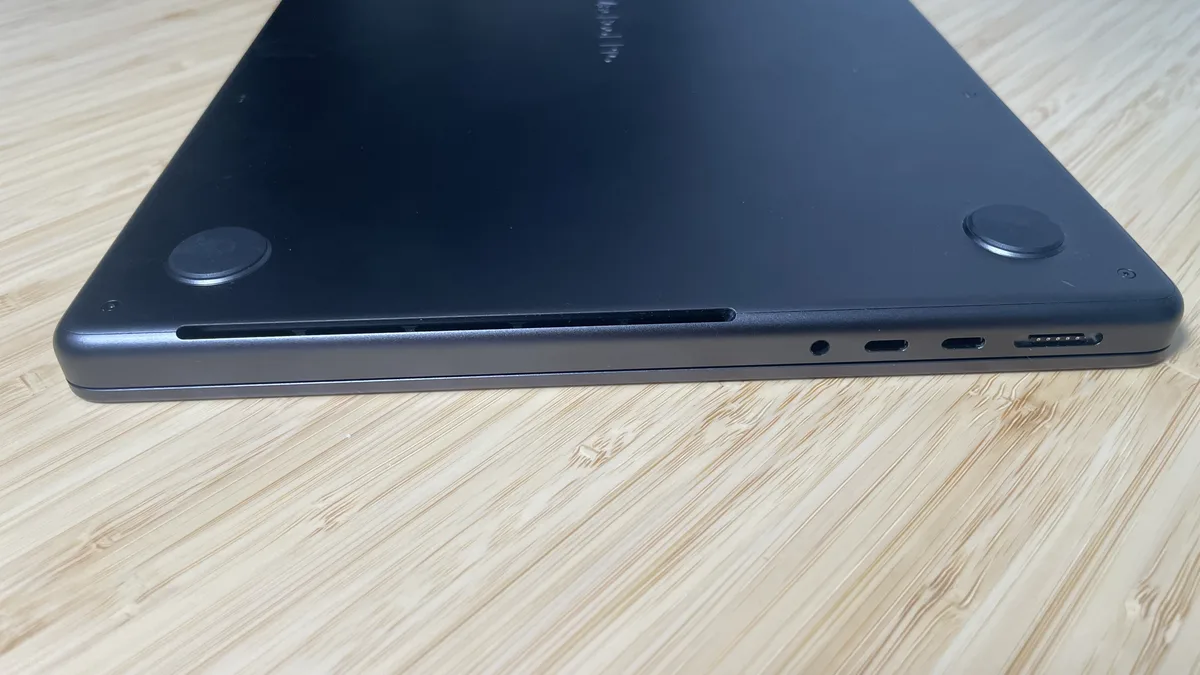
The port selection also matters. The 14-inch M4 Pro MacBook Pro includes HDMI, SDXC, headphone output, MagSafe, and three Thunderbolt 5 ports. For a desk setup with monitors, storage, audio gear, docks, and occasional field work, that is far more practical than a thin laptop that turns every connection into a dongle problem.
MagSafe is another small detail I still appreciate. My laptop spends most of its time on a dock, so I do not use the magnetic cable constantly, but connecting and disconnecting it takes a second, and it reduces the risk of accidentally pulling the laptop from the desk when I do charge away from the dock.
What I Still Miss
No operating system is perfect.
The part of Windows I still miss most is window management across multiple monitors. Developers constantly switch between browsers, terminals, IDEs, database tools, notes, and communication apps. Windows still feels more natural for fast snapping and layout control.
macOS has improved, and third-party tools help, but out of the box I still prefer Windows for this specific workflow detail.
The other drawback is heat. During demanding workloads, the area above the left side of the keyboard can become noticeably warm. It has not been a reliability issue, but it is real enough to mention.
One smaller thing I still prefer in Windows is how maximized apps behave across multiple screens. In Windows, I can keep an app maximized on one monitor and drag another window from a second display over it without thinking. macOS is more rigid in this situation. It is a minor limitation, but after years of Windows use, it is a workflow behavior I had taken for granted.
Buying Checklist
- Do not confuse M4 with M4 Pro: the names are close, but the chip tier, memory bandwidth, ports, and external display profile matter.
- Treat 24GB unified memory as the baseline: it is workable for many software engineers, but not generous for heavy Docker use.
- Choose 48GB for heavier development: local databases, multiple IDEs, container stacks, and long ownership make memory more important.
- Check storage realistically: repositories, Docker images, caches, photos, node modules, and local backups consume space quickly.
- Verify external monitor support: confirm resolution, refresh rate, dock compatibility, and cable standards.
- Check battery health on used units: a low purchase price is less attractive if the battery is already near service territory.
- Inspect the display and keyboard: look for pressure marks, dead pixels, coating damage, key wear, and trackpad issues.
- Confirm Activation Lock is removed: never buy a used Mac that cannot be erased and activated under your own Apple account.
Is the MacBook Pro M4 Pro Still Worth Buying in 2026?
Yes, with a condition: buy it like an engineer, not like a spec-sheet collector.
If the price is right and the configuration is sensible, the M4 Pro MacBook Pro remains an excellent machine for software engineers, students, creators, and technical users who value stability, performance, build quality, and a coherent working environment.
I would not recommend it only because of benchmark numbers. I would recommend it because, in daily use, it gets out of the way. It feels fast, solid, predictable, and professional.
Reference Baseline
This review uses personal software engineering workflow as the practical baseline and Apple’s published documentation as the technical reference point:
- MacBook Pro 14-inch M4 Pro or M4 Max technical specifications
- MacBook Pro 14-inch M4 technical specifications
- MacBook Pro 14-inch M5 Pro or M5 Max technical specifications
Final Verdict
The MacBook Pro M4 Pro is still worth buying in 2026 if you understand its position clearly: it is a previous-generation Pro-tier MacBook with enough performance, ports, display quality, and system polish to remain highly relevant for software engineering.
For my own workflow, it is the machine that makes the least noise in the day. The first days on macOS can feel strange if you come from Windows, and you may miss familiar features at first. I certainly did. But given time, the overall experience has become remarkably enjoyable.
I still use Windows laptops, but the MacBook Pro M4 Pro is the computer I trust most when I need to sit down, write code, and keep moving. It simply does its job, and in my view that is exactly how great technology should feel.
FAQ
Common questions
Is the MacBook Pro M4 Pro still worth buying in 2026?
Yes, provided the price and configuration align with your needs. While it is no longer Apple's latest release, it remains a high-end, reliable work machine with great build quality and strong sustained performance. It makes the most sense when discounted or refurbished against newer options.
Is the MacBook Pro M4 Pro good for software engineering?
Yes. Strong single- and multi-core performance, up to 48GB of unified memory, HDMI, and Thunderbolt 5 make it well suited to IntelliJ IDEA indexing, local Docker environments, browser-heavy documentation work, and multi-monitor desk setups. Extremely large local builds, heavy virtual machines, and local AI workloads may still justify more memory or a Max-tier chip.
Is 24GB unified memory enough on the MacBook Pro M4 Pro?
24GB is a capable baseline for standard development workflows, web research, and daily multitasking. If you regularly run multiple local databases, heavy Docker container stacks, or large projects simultaneously, 48GB is the stronger choice for long-term ownership headroom.
What are the main drawbacks of the MacBook Pro M4 Pro?
The most notable limitations are macOS window management across multiple external monitors, which remains more rigid than Windows snapping, and noticeable chassis warmth above the left side of the keyboard during sustained heavy workloads. Memory and storage also need careful consideration at purchase because they cannot be upgraded later.