Is the M1 MacBook Air Still Worth It in 2026?
A 5-Year Reality Check
A five-year M1 MacBook Air reality check from an engineer: fanless thermals, 8GB RAM limits, battery life, Apple ecosystem integration, Hi-Fi use, docks, and whether it remains a sensible refurbished buy in 2026.
Quick Summary
What to know first
The M1 MacBook Air remains a quiet, durable leisure and light-project machine in 2026. It is best for streaming, light coding, and Hi-Fi duties, but its 8GB memory and fanless thermal limits make a MacBook Pro the better choice for sustained heavy work.
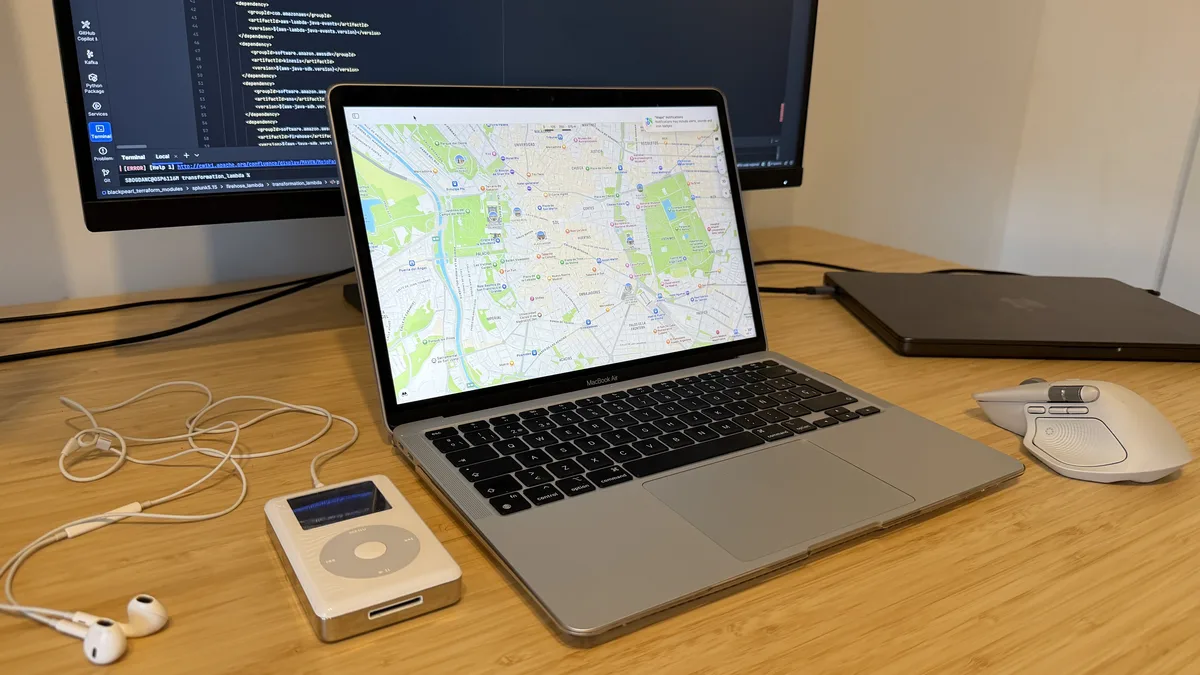
Imagine we’re sitting across from each other over a coffee, and you’ve asked me if that “vintage” M1 Air is still a smart buy today. As an engineer who has lived with this machine for half a decade, I can tell you it isn’t just a piece of tech - it’s a trusted friend that has earned its keep.
Quick Verdict: The Ultimate “Leisure Station”
Best for: Streaming, light coding projects, and serving as a high-end Hi-Fi hub.
Skip it if: You need a “work powerstation” for heavy processing; my engineer’s mind will always point you toward the Pro for its active cooling and extra thermal headroom.
Build Quality: The “Mini Tank” That Disappears
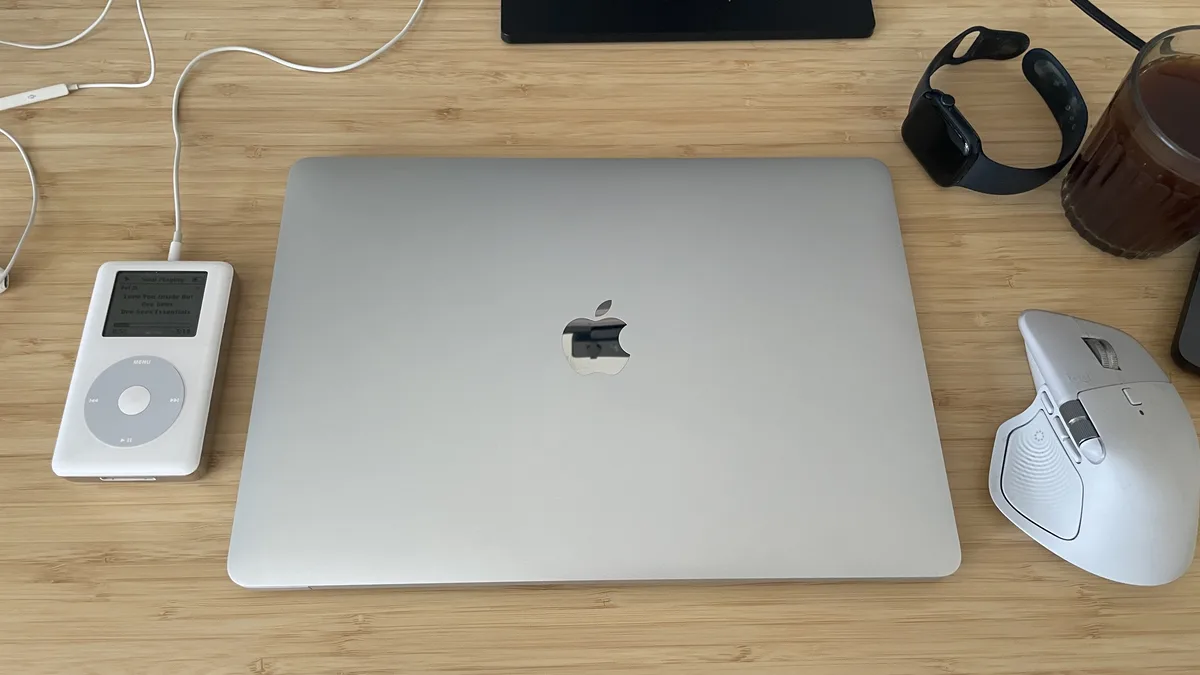
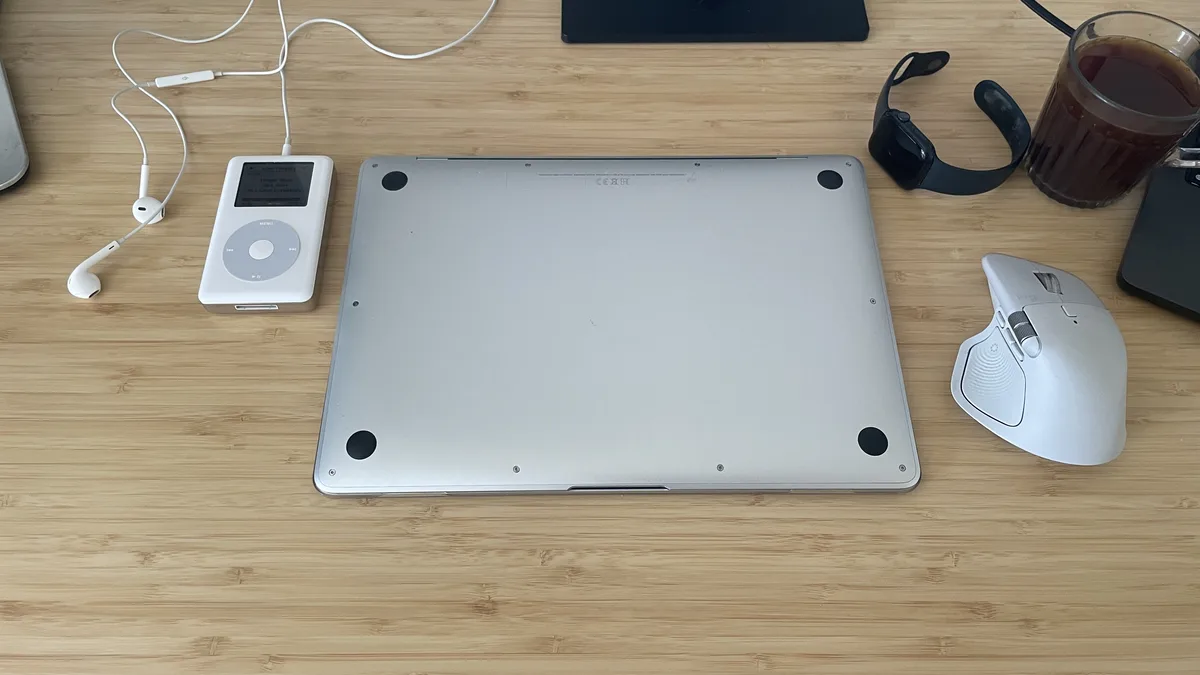
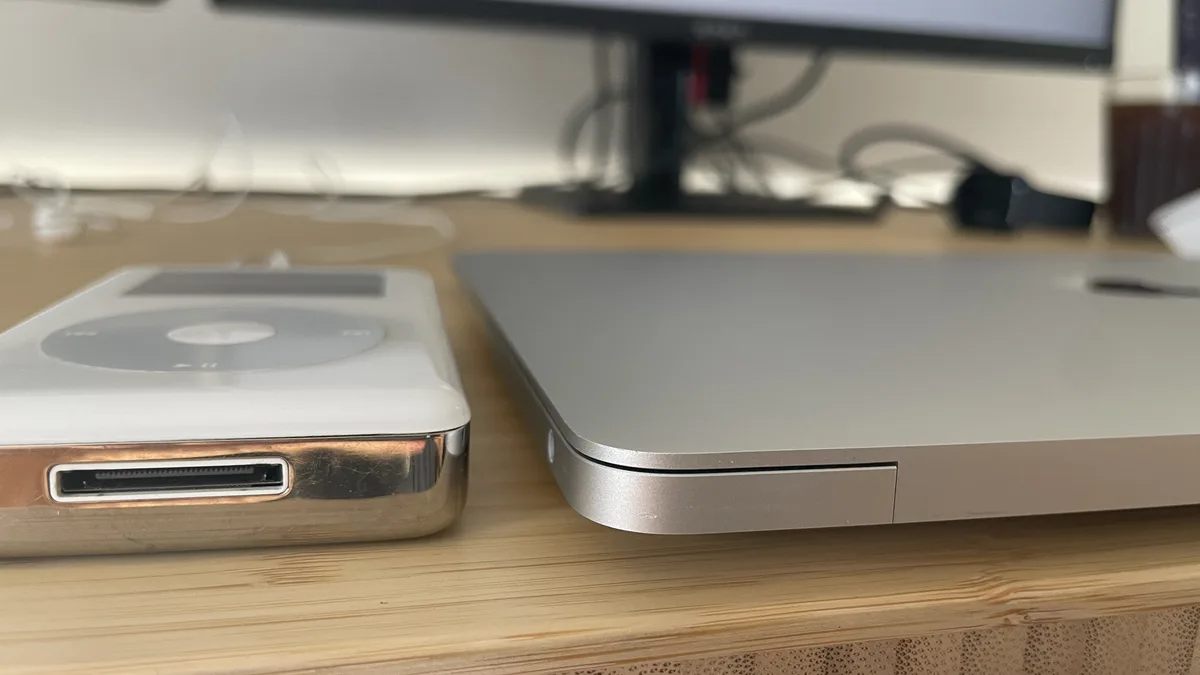
The first thing you’ll notice, even in 2026, is that this laptop is built like a tank (mini). The full aluminum body feels premium and incredibly rugged, yet it’s so lightweight that I often find myself checking my backpack just to make sure it’s still there.
One of the most impressive feats is the fanless design. It is deadly silent, which is absolutely awesome for late-night movie watching or deep-focus work. Even after five years, the fingerprint scanner remains fast and reliable for getting you into your files without a hitch.
Performance and My “Engineer’s Thermal Trick”
How does the original M1 chip hold up today? For daily tasks, it’s a solid performer, but we have to be honest about the 8GB RAM limit.
Personal programming: It gets the job done for my personal projects, though it doesn’t “excel” by modern 2026 standards.
Media consumption: It plays movies beautifully, but you’ll notice some lagging on those massive 20GB files.
Multitasking: While technically possible, 8GB of memory has its limits today.
The thermal hack: Under heavy load, the upper left area above the keyboard gets hot to the touch. When I notice this, the engineer in me kicks in: I enable Low Power Mode. This puts the processor in a different mode, and the temperatures drop fast without making the laptop unusable.
The Apple Ecosystem “Honey”
There’s a certain sweetness to how these products integrate - a feeling I like to call “honey”.
Taking calls: I love taking or making calls directly from my MacBook when I’m at my desk.
The Watch unlock: There is a specific kind of magic when my Apple Watch automatically unlocks the Mac as I come back from a coffee break.
Audio and Connectivity: A Hi-Fi Gem
The display is classic Apple - sharp, high-resolution, and it never lets you down. But for me, the real surprise is the sound. It’s as good as it gets for a small laptop, and it performs like an absolute gem when I use it to stream music to my Luxman and Marantz amplifiers.
Regarding ports, you’re looking at two USB-C ports and a jack. While an HDMI port would be nice, decent docks are now incredibly cheap (EUR15-30) and solve that limitation instantly.
Battery Life After 5 Years
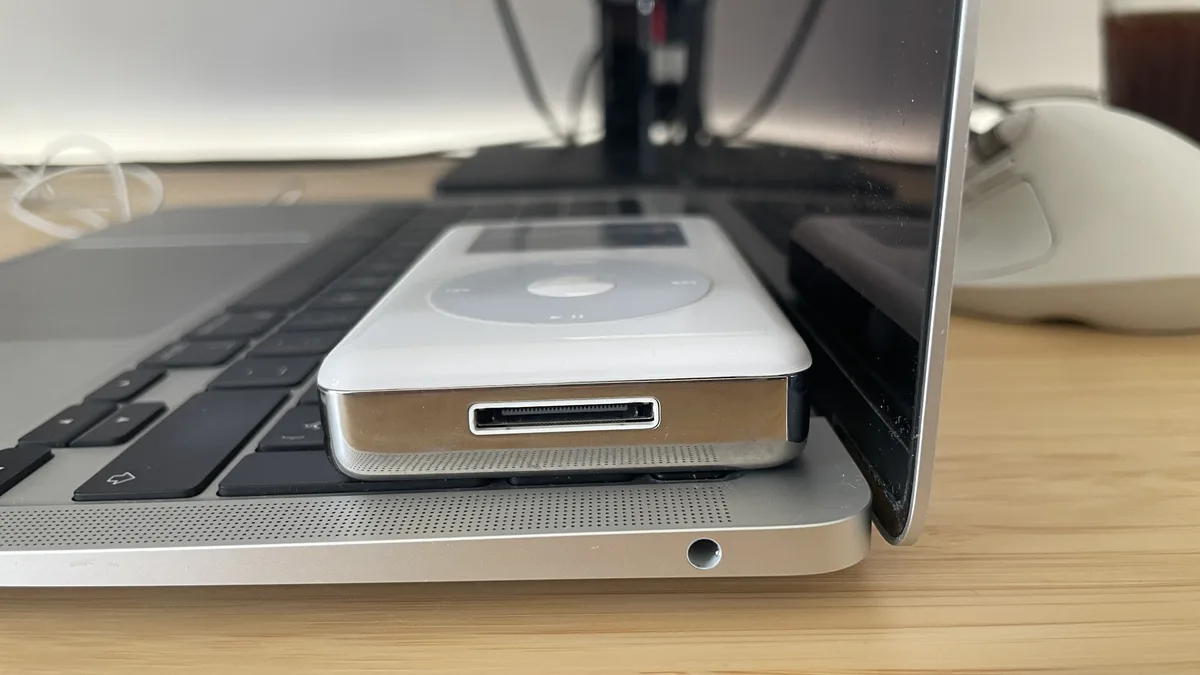
The battery remains one of this machine’s strongest points. Even after five years of daily use, it’s a “carry it around and don’t worry” kind of laptop. You can head out for the day knowing you’re covered, which keeps the M1 Air competitive against even the newest, power-hungry devices.
A Final Note from the Engineer’s Desk
I did not buy this M1 Air myself. It was a thoughtful gift, and that is part of why I have kept it close. But sentiment alone does not keep a machine useful for half a decade. For heavy projects, I would still choose a MacBook Pro for its active cooling and extra performance headroom. For almost everything else, the M1 Air has proven to be a remarkably good companion: efficient, well built, and still coherent in daily use.